Learning in the Flow of Work Without Adding More Training
Learning in the flow of work puts training resources exactly where employees need them, without pulling them away from their jobs. Here's how to build it.
Your team is drowning.
They have their regular jobs, mandatory compliance training, and now you want them to develop new skills. Where do they find the time?
The real problem isn't that employees don't want to learn. It's that traditional training pulls them away from their actual work. They sit in a room (or on a Zoom) for hours, then return to their desk to figure out how to apply what they just learned. By then, half of it is forgotten.
There's a better way. Learning in the flow of work brings training to the moment when employees actually need it. Not before. Not after. Right then, while they're solving a real problem on the job.
What This Means in Real Work
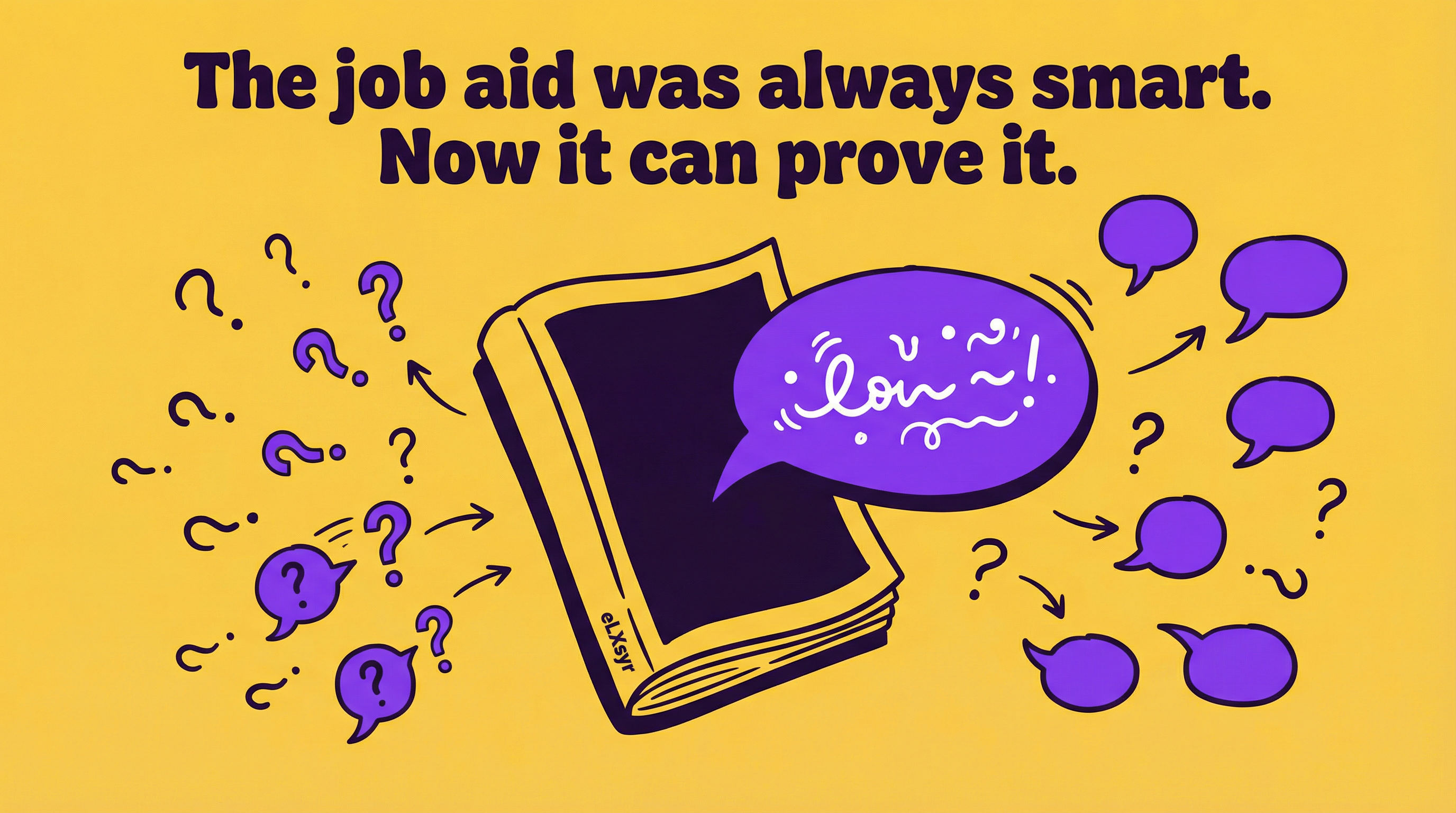
Learning in the flow of work means giving employees access to learning resources, guidance, or training content directly inside their work environment, at the exact moment they need it. Think of it as in-the-moment support built into the tools and tasks they're already using.
Instead of a two-hour training session on how to process a refund, your customer service rep sees a quick tip or mini-lesson when they're actually processing a refund. Instead of a separate course on your new CRM, your sales team gets embedded learning right inside the CRM interface when they're entering data.
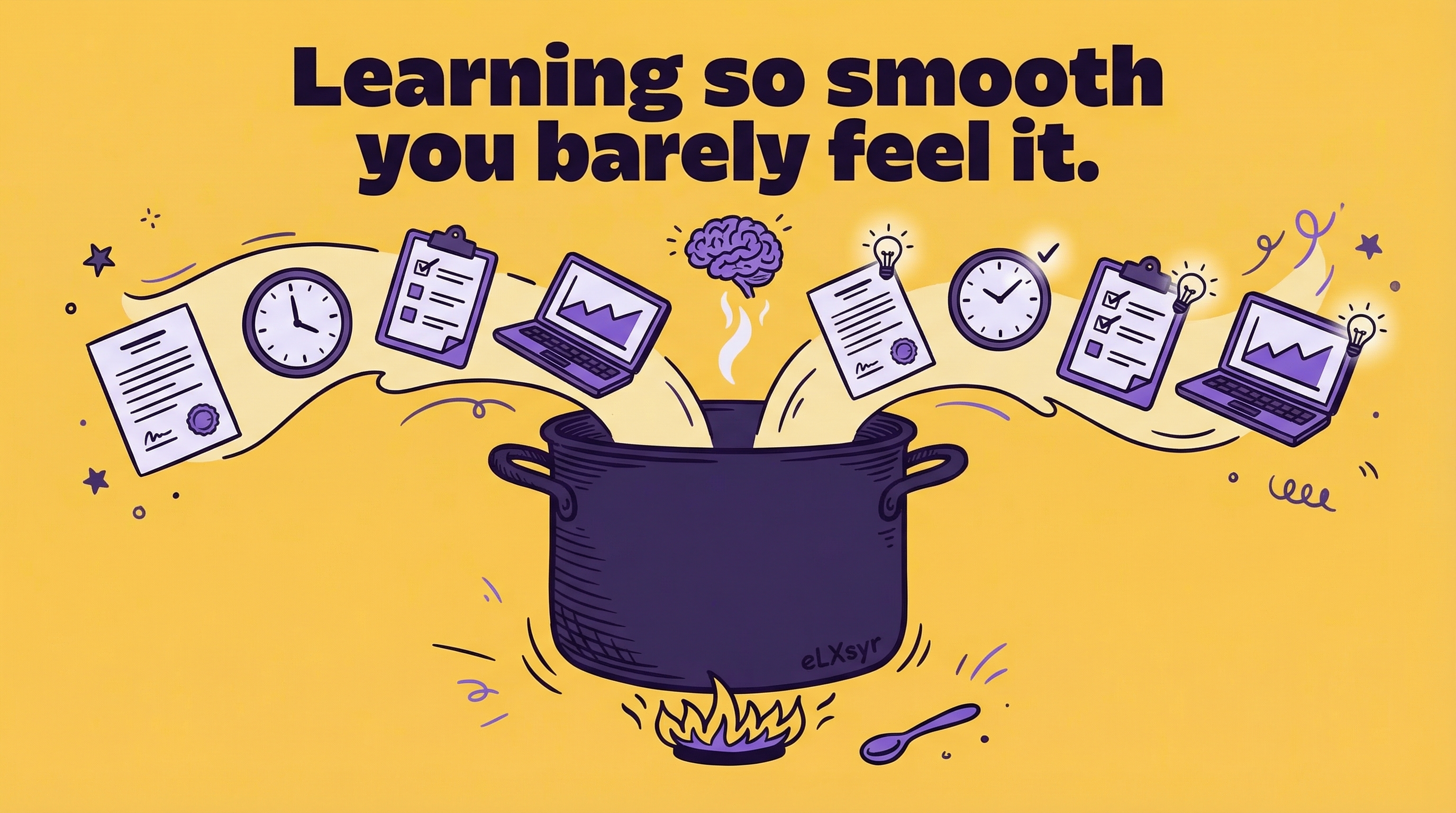
The magic happens because the learning is tied directly to a real challenge. Your employee learns it, applies it immediately, and moves on. No context switching. No forgotten information. No wasted time searching through a knowledge base that may or may not have the answer.
Practical Steps to Build This
You don't need to rebuild your entire training program. Here's how to start small and scale.
Step 1: Map the friction points.
Ask your team where they get stuck. Where do they waste time looking for information? Where do they make the most mistakes? These are your targets. A junior ID can shadow someone for a day and identify three to five clear moments when learning would help.
Step 2: Create tiny, focused resources.
Don't write a 30-page guide. Write a one-page checklist, a 2-minute video, or a screenshot with annotations. Keep it specific to that one task. If it takes longer than three minutes to consume, it's probably too big.
Step 3: Place learning at point of need. This is where tools matter. If employees work in Slack, put a link or a bot answer in Slack. If they work in your LMS course, embed a help button. If they use a software tool, can you add a tooltip or a help panel? Embedded learning means fewer clicks to get the answer.
Step 4: Make it easy to update. Unlike a formal training module, in-the-moment support changes fast. Your process changes, your tool updates, your policy shifts. Build your support library so a non-technical person can update a screenshot or refresh a checklist in minutes, not weeks.
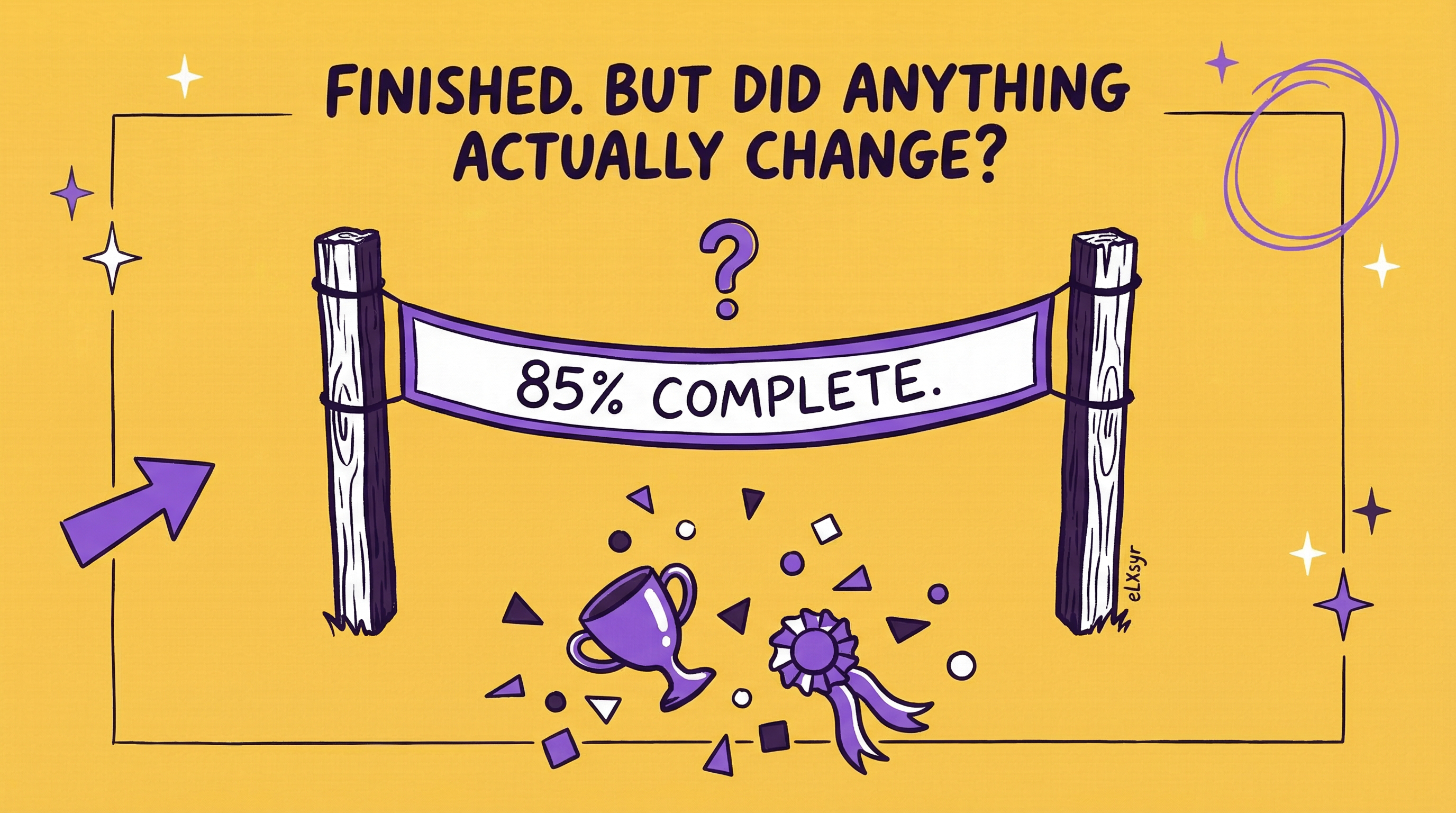
Step 5: Measure what actually matters. Don't count how many people viewed a resource. Instead, track whether the task got done faster, with fewer errors, or fewer help-desk tickets. Did someone use the embedded learning and then complete their work? That's success.
Common Mistakes That Kill This
- Dumping your old training into a new format. You can't just turn a two-hour course into a "quick tip" and call it learning in the flow of work. Start from scratch. What does someone need to know right now to solve this one problem? Only that.
- Making it hard to find. If your support resource is buried three levels deep in a knowledge base, it's not in the flow of work anymore. It's just training you moved online. Make it discoverable in the tools people actually use, or link to it from where they work.
- Forgetting about maintenance. A resource that's outdated is worse than no resource at all. Assign someone to check and refresh embedded learning quarterly. A junior ID can own this. If you don't maintain it, don't deploy it.
- Trying to solve everything at once. Pick one workflow, one team, one friction point. Build it right. Then expand. A pilot with 5 to 10 people is worth more than a half-baked rollout to 500.
- Skipping the collaboration with ops or tech teams. If your learning lives in a tool you don't control, you need buy-in from the people who do. Get them in the room early. It's easier than asking for forgiveness later.
Leader Lens: Measuring Impact and Adoption
If you're an L&D leader, you're probably wondering: How do I know this is working? What should I measure?
Focus on three areas. First, speed and error rates. Did the task take less time after we added embedded learning? Did mistakes go down? Check your system logs, your task completion times, or your error reports. Second, support tickets and questions. Are your help desk or manager questions about this specific task decreasing? That's a sign people are finding answers on their own. Third, adoption. Are people actually using the resource? Track clicks, views, or usage metrics from the tool where the learning lives.
You don't need perfect data. If your customer service team processes refunds 10 percent faster and your help desk gets 20 percent fewer refund questions, you have something. Bring those numbers back to your CFO and your CEO. They care about throughput, errors, and cost per task. Learning in the flow of work delivers all three.
Freelancer Lens: How This Helps Your Clients and Your Bottom Line
If you're a freelance ID, learning in the flow of work is a goldmine. Your clients don't have big budgets for multi-course programs. But they do have specific, recurring problems they want to solve faster. That's your entry point.
You can design a few high-impact micro-resources, embed them in their workflow, and measure the payoff. A client sees results quickly, keeps you on retainer to maintain and expand it, and recommends you to others. You're not building massive courses; you're building solutions. That feels more premium and justifies higher rates.
Plus, you're not redoing the same training every six months. Once the resource is embedded and working, your only job is to keep it fresh. Less rework, more margin.
Quick Checklist
- Identified at least three friction points where employees waste time or make mistakes.
- Created focused learning resources (checklist, video, tip) for the top one.
- Decided where the learning will live (Slack, LMS, tool UI, email, etc.).
- Tested it with 5 to 10 people and gathered feedback.
- Assigned someone to maintain and refresh it every quarter.
- Picked one metric to track (speed, errors, or help tickets).
- Communicated the result to leadership, even if it's small.
If You Want This Inside the Course
Many L&D teams and freelancers want to add embedded learning helpers directly into their Storyline or Rise courses, so learners can get help without leaving the module. eLXsyr lets you add course-embedded helpers that surface relevant resources or guidance at the moment a learner gets stuck. No separate tool. No lost context. Just support where learning happens. If that matches what you need, eLXsyr is built for this.
FAQ
Q: Does this replace formal training?
A: No. Use learning in the flow of work for skills and knowledge people need to apply right away. Keep formal training for foundational knowledge, complex concepts, or compliance topics that require proof of completion. Use them together.
Q: How long does it take to set up?
A: A pilot can start in one to two weeks. You don't need special software or a big project. Pick one task, create two or three micro-resources, add links where people work, and measure the result. Scale after that.
Q: Won't employees just skip the learning and ask their manager instead?
A: Maybe, at first. Make the learning resource faster and easier to find than asking someone else. Put it in the exact tool they're using. Keep it short. Over time, behavior shifts. Also, watch your help desk tickets. If they're dropping, the learning is working.