"Learning While Working" That Doesn’t Feel Like Extra Work
Make learning while working seamless so employees grow skills without extra effort. Discover practical steps for L&D pros to embed training into daily tasks.
L&D teams face a tough reality. Employees skip training because it pulls them from real work. Deadlines loom, and mandatory sessions feel like a burden.
No one has time for hour-long modules after a full day. Yet skills gaps hurt performance. Teams need growth without the drag.
The fix? Blend learning while working into everyday tasks. Make it invisible, not extra.
What This Means in Real Work
Learning while working fits education right into the flow of work. It skips separate events. Instead, people build skills as they do their jobs.
Think of a sales rep handling calls. Pop-up tips show best practices mid-conversation. They learn without stopping. Next call improves naturally.
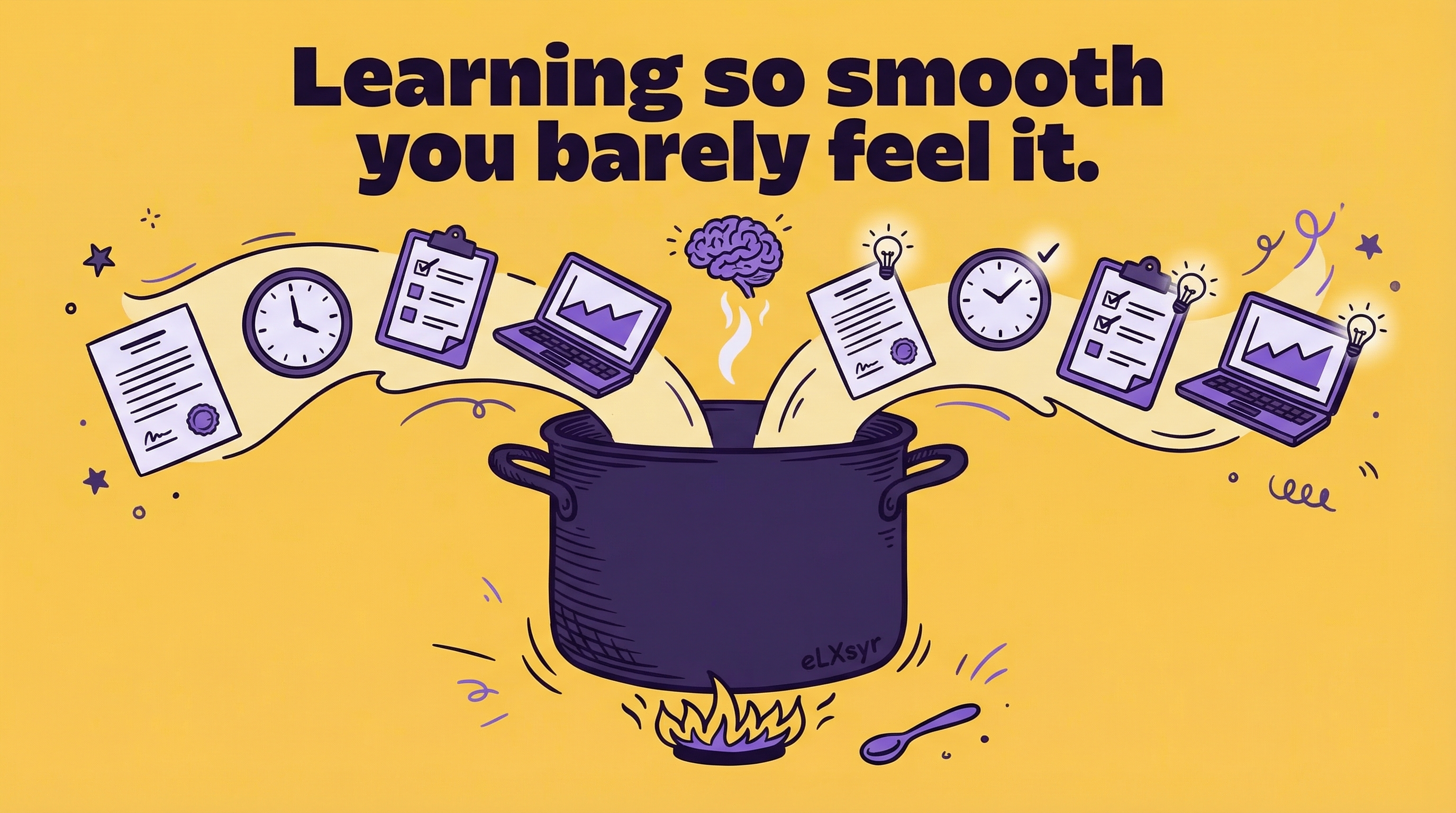
This creates frictionless learning. No logins, no schedules. Growth happens in the moment. Employees stay productive while gaining skills.
Practical Steps
Junior IDs can start small. Here are four steps to build frictionless learning.
- Map the flow of work. List daily tasks for your target group. Note pain points or repeat actions. For example, track how customer service reps handle emails.
- Add micro-tips. Use tools like in-app prompts. Place a 30-second video or checklist next to the task. Trigger it only when needed, like during a slow dashboard view.
- Test with one team. Pick a small group. Roll out your prompts. Ask for feedback after a week. Tweak based on what sticks.
- Track simple use. Check open rates or completion. Adjust prompts that get ignored. Scale to more teams once it works.
These steps take little time. They deliver real results fast.
Common Mistakes
- Overloading screens. Too many pop-ups annoy users. They close everything. Limit to one key tip per session.
- Ignoring mobile. Many check work on phones. If prompts fail there, no one sees them. Test on all devices first.
- No follow-up. One tip is not enough. Without spaced repeats, skills fade. Plan a gentle nudge a week later.
- Assuming buy-in. Teams resist if it slows them. Prove speed gains first with a pilot. Show data, not promises.
Leader Lens
Senior L&D leaders must weigh impact. Look at adoption first. Check how often prompts appear and get used. Low views mean poor placement.
Measure risk by task disruption. Time how long interactions take. Aim for under 60 seconds total.
For impact, track output changes. Compare task completion rates or error drops before and after. Employee feedback surveys help gauge skill gains. Tie to business goals like faster onboarding.
Freelancer Lens
As a freelancer, learning while working sets you apart. Clients love quick wins. Build these embeds to cut training time by fitting into tools they use.
Deliver faster. Reuse prompt templates across projects. Charge premium for custom flows that boost retention.
Reduce rework. Clients see instant use, so fewer revision requests. Position as the go-to for frictionless learning. It makes you look expert without big budgets.
Quick Checklist
- Does it trigger only during relevant tasks?
- Is content under 1 minute to complete?
- Does it work on desktop and mobile?
- Have you tested with 5 real users?
- Is there a plan for repeats and feedback?
- Do metrics track opens and outcomes?
FAQ
What tools work for learning while working?
Use LMS with workflow integrations like Docebo or 360Learning. Start with free trials for in-app messaging.
How long to see results?
One to two weeks for adoption. Measure skill use after a month. Adjust based on data.
Does this replace formal training?
No. It supports it. Use for daily skills, courses for deep topics. Best as a combo.