Onboarding Support That Ends 'Ask Your Buddy' Forever
Tired of new hires relying on tenured employees for basic tasks? Build strong onboarding support to speed up ramp-up and cut confusion from day one.
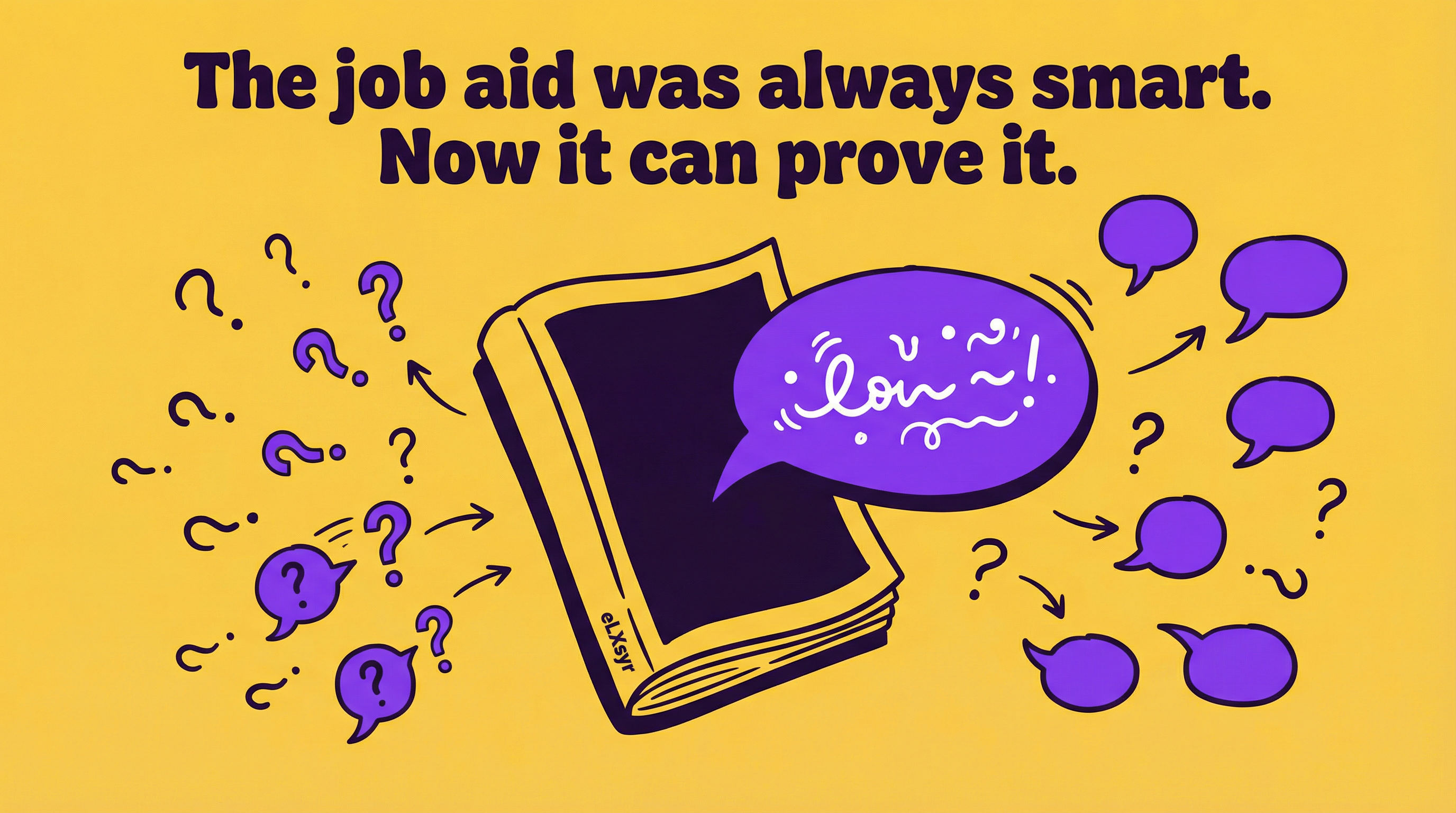
New hires show up excited. They want to contribute right away. But too often, they spend weeks asking coworkers basic questions. "Where do I find the style guide?" "How do we handle client escalations?" "Who's in charge of approvals?"
This "ask your buddy" habit kills productivity. It pulls experienced team members away from their work. And it leaves new people feeling lost. Strong onboarding support fixes this. It gives everyone the info they need without the endless questions.
L&D teams know the pain. Half your time goes to fixing sloppy onboarding. The other half cleans up the mess. Time to change that.
What This Means in Real Work
Poor onboarding support means slow starts. New hires take longer to hit full speed. They miss key details like unwritten rules or daily workflows. This drags down team output.
Take Sarah, a new sales rep. Week one, she shadows a buddy. But the buddy is swamped. Sarah asks about CRM shortcuts. No one has time to explain. By week three, she still fumbles basic reports. Deals slip. Her manager gets frustrated.
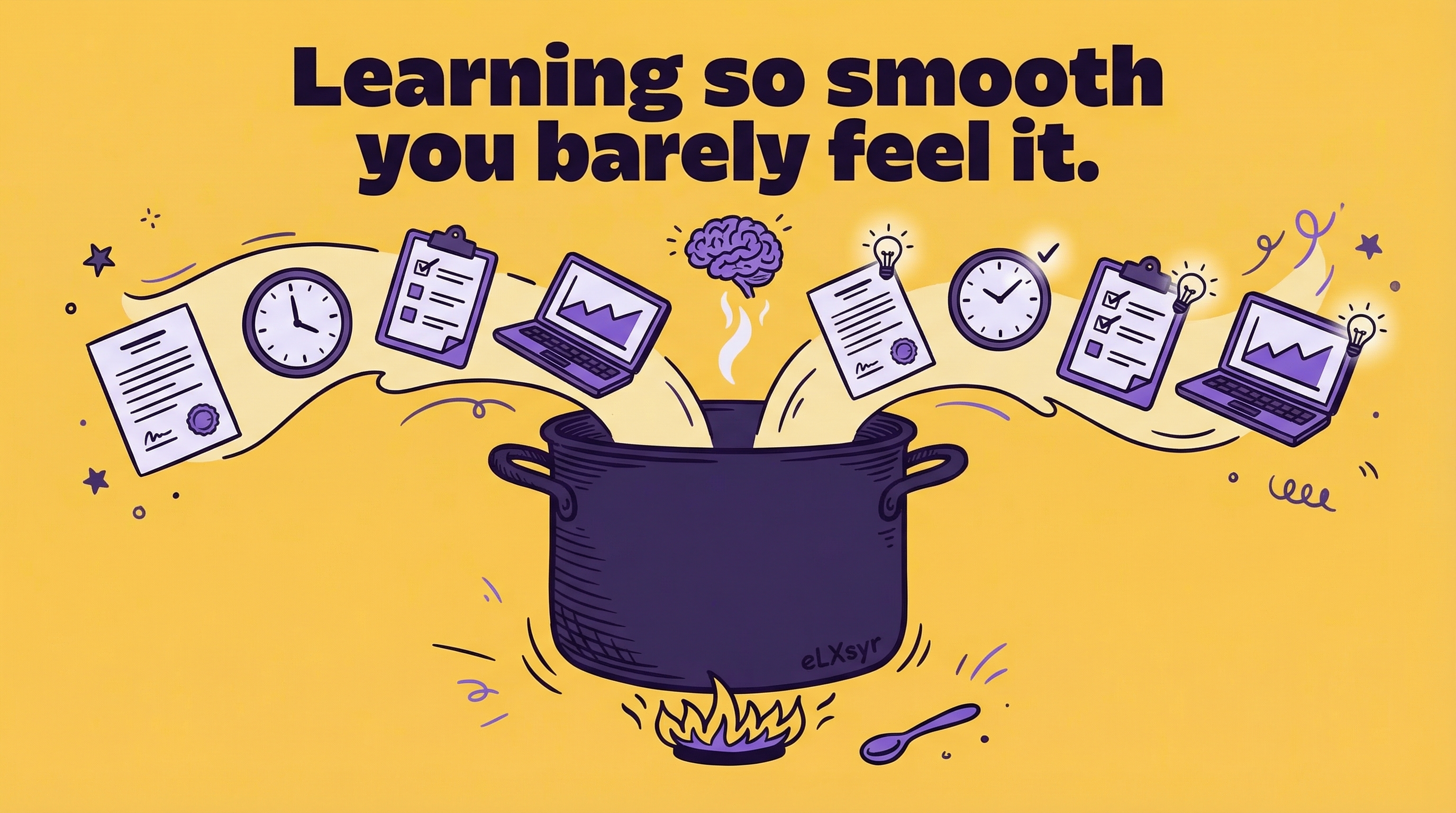
Good onboarding support shares that knowledge upfront. Sarah gets a clear guide on CRM tricks, report templates, and escalation paths. She ramps up in days, not weeks. Her time to proficiency shrinks. The team wins.
Practical Steps
Junior IDs can build this now. Start small. Use tools you have. Here are four steps anyone can take.
- Step 1: Map the must-know info. List 10-15 basics new hires need. Cover tools, processes, and people. Ask current team: "What trips up new folks?" Write it in simple bullets. No fluff.
- Step 2: Create a preboarding portal. Use Google Sites or Notion. Upload forms, videos, and your list. Send access on offer day. Let them complete paperwork early. Add a welcome video from the team.
- Step 3: Build role-based guides. Make one-pagers for each job. Include screenshots of software. Link to policy docs. Test it yourself. Fix anything unclear.
- Step 4: Pair with structured check-ins. Schedule manager chats at day 3, week 1, and month 1. Use short surveys: "What’s clear? What’s not?" Adjust based on answers.
Roll this out next hire. Track if questions drop. Tweak as needed.
Common Mistakes
- Mistake 1: Dumping everything day one. New hires drown in info. They forget half. Space it out with drip emails or app notifications over weeks.
- Mistake 2: Skipping personalization. One-size-fits-all fails. Remote sales needs different support than office ops. Tailor paths by role and location.
- Mistake 3: Relying on buddies alone. Buddies flake when busy. They share bad habits too. Always back it with docs they can reference solo.
- Mistake 4: No feedback loop. You build it, then ignore how it lands. Pulse checks show what works. Without them, problems repeat.
Leader Lens
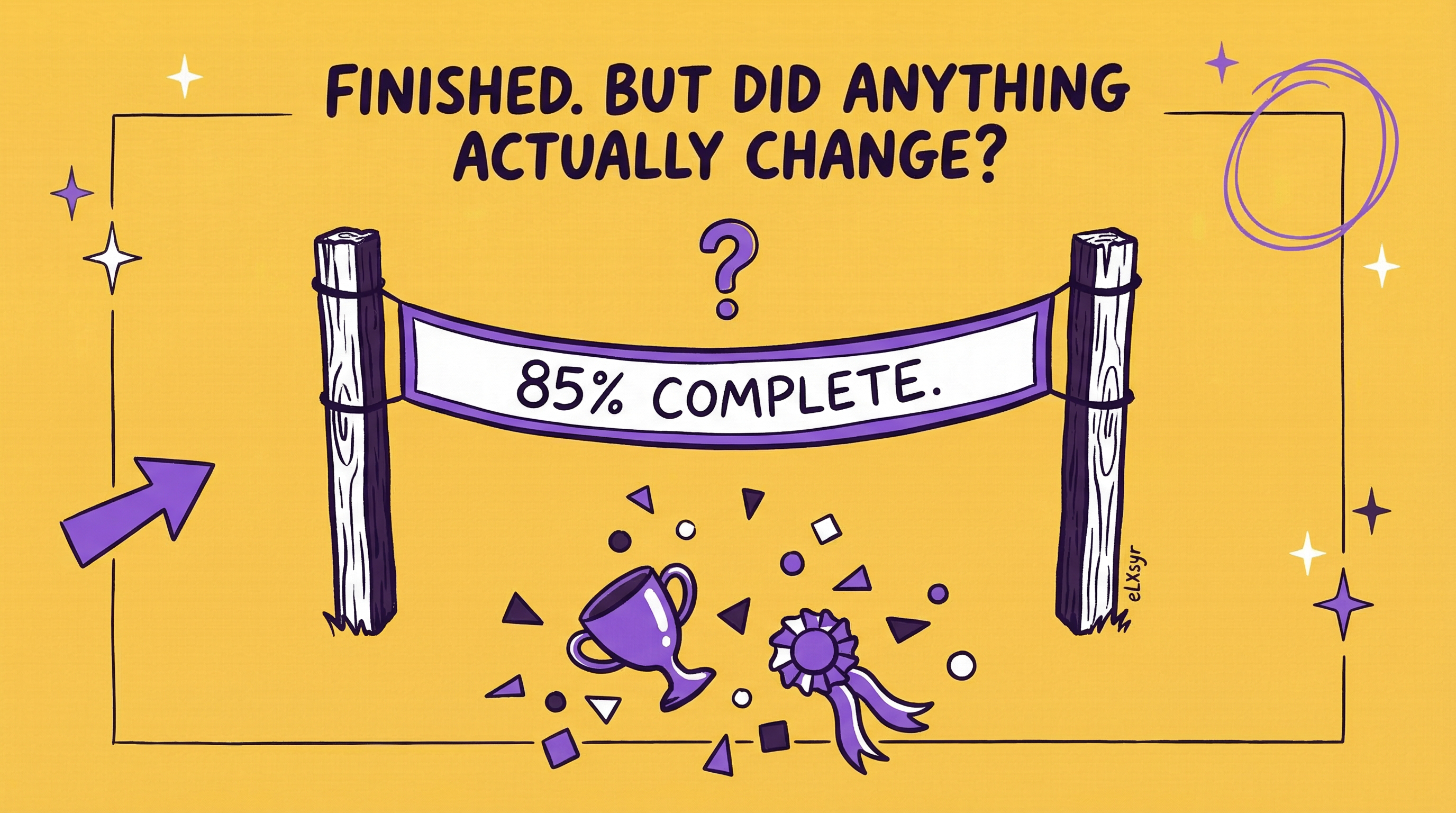
Seniors need to gauge if this pays off. Look at time to proficiency. Track when new hires handle tasks solo. Check completion rates on your portal. Watch question volume to buddies.
Risk stays low if you pilot with one team first. Adoption grows if managers own check-ins. They see the speedup in their reports. Measure retention at 90 days. Spot if supported hires stick longer.
Freelancer Lens
As a freelancer, this sets you apart. Clients love faster ramp-up. You deliver a ready package: portal, guides, check-in templates. No rework on vague handoffs.
Charge premium for it. Show how it cuts their support time. One client testimonial: "New hires productive in half the time." That wins repeat work and referrals.
Quick Checklist
- Preboarding portal live? Forms, videos, basics uploaded.
- Role guides ready? Screenshots, links, tested.
- Buddy intros pre-day one? Digital chat scheduled.
- Check-in schedule set? Surveys at key points.
- Feedback collected? Completion rates tracked.
- Unwritten rules covered? Norms, approvals, tools.
FAQ
What’s the fastest win for onboarding support?
Launch preboarding. Send portal access right after offer. New hires arrive ready.
How do you speed up time to proficiency?
Personalize paths. Use role-based modules and micro-videos. Add manager check-ins.
Does this work for remote teams?
Yes. Central platforms ensure everyone gets the same info. Add virtual meet-and-greets.